Why Most English Apps Bore Kids After a Week (And What to Do About It)
Your child's attention span is fine. The app's is the problem.
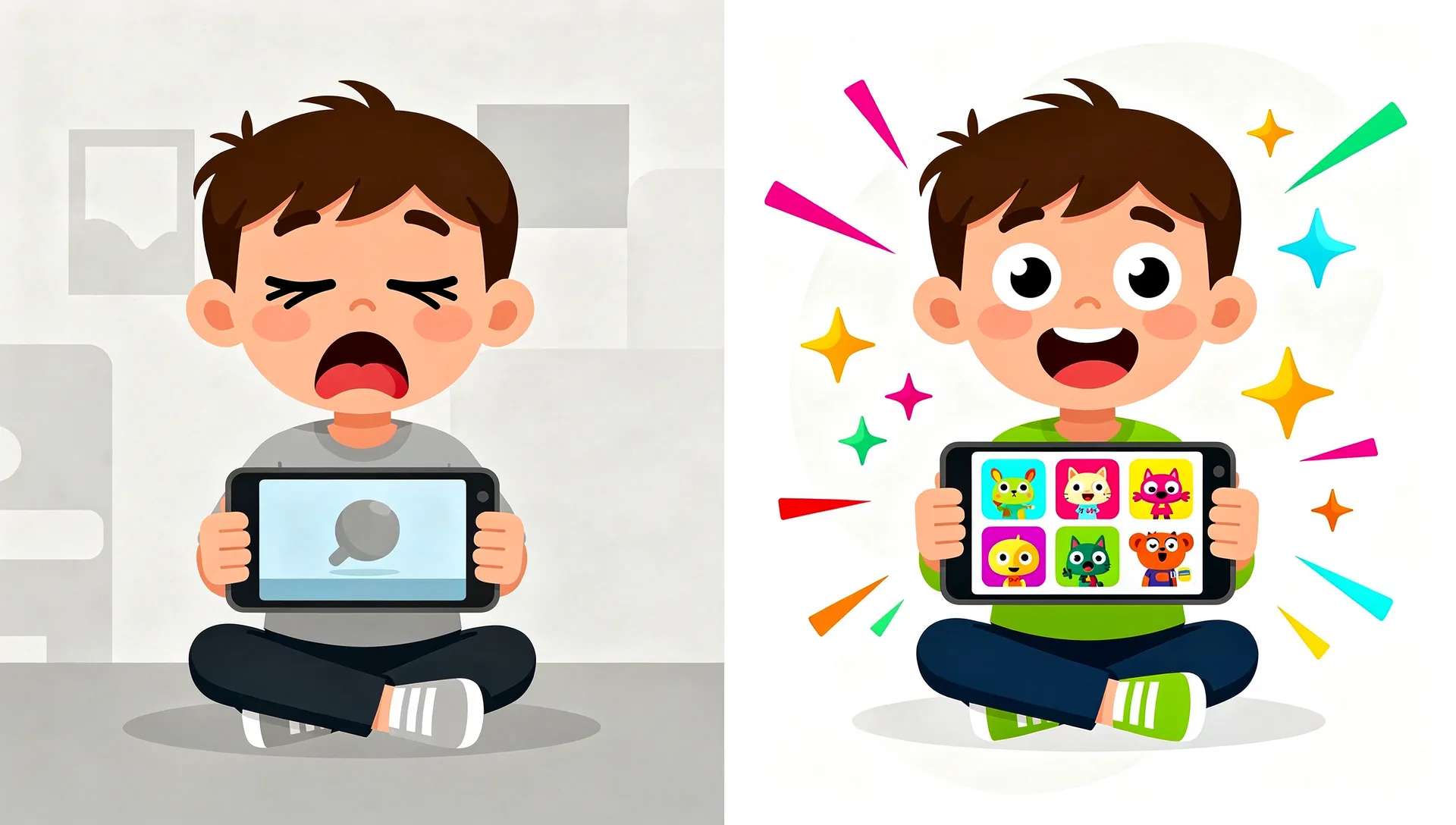
You download an English learning app for your kid on a Saturday morning. They love it. They beg to play it before dinner. They talk about the cartoon fox who teaches them colors. By Wednesday, the app is buried on the third page of your home screen. By the following weekend, it might as well not exist.
Sound familiar?
You probably blamed screen fatigue, your child's short attention span, or the idea that "kids just don't stick with things." The real explanation is simpler and more uncomfortable. The app ran out of ways to be interesting, and the language learning window is too valuable to waste on the wrong tool.
The retention problem in education apps
The education app industry has a problem it doesn't like to discuss in public. The numbers are brutal.
According to Business of Apps' 2026 benchmarks, education apps have a Day 1 retention rate of just 14-15%. Put another way, about 85 of every 100 people who install an education app don't open it again the next day.
By Day 30, retention drops to 2-3%. Out of every hundred people who started, two or three are still using the app a month later. The other 97 or so have stopped opening it.
And these figures are industry averages, so they include the good apps too. Well-funded apps with cute characters and polished onboarding are losing almost every user they acquire. Meanwhile the industry keeps talking about acquisition costs and ad spend instead of the harder question of why kids leave.
The novelty cliff, explained
Neuroscience has a straightforward answer. It's called habituation.
Habituation is the brain's tendency to pay less and less attention to repeated stimuli. It's one of the most basic learning mechanisms we have. (We cover how children's brains learn language in a separate article.) When you walk into a room with a ticking clock, you hear it immediately. Ten minutes later, you have forgotten it exists. Your brain decided the sound was predictable and stopped spending attention on it.
Children's brains do this faster and more strongly than adults' brains do. That's useful, because fast habituation is how young learners filter the world and focus on what's new and informative. It also means that a learning app has a narrow window to keep introducing novelty before the brain files it under "predictable" and moves on.
We call this the novelty cliff, the moment when a child has seen every variation an app can offer and the brain's reward circuitry stops firing. With most education apps, it often arrives within the first week or two.
Content isn't what runs out, since most apps have hundreds of vocabulary words. The mechanics run out. Once a child has tapped the same style of flashcard, dragged the same type of object to the same type of target, and heard the same celebration sound a hundred times, the activity no longer registers as new. The brain has habituated to the interaction pattern itself.
The 2-3 game type trap
This is where the industry's blind spot becomes obvious.
Open any of the top-grossing kids' English apps on the App Store. Count the distinct game mechanics, meaning the fundamentally different ways a child interacts with the content. Levels and lessons don't count.
Most apps have two or three. A matching exercise. A multiple-choice quiz. Maybe a drag-and-drop activity. That's it. Every single lesson, across hundreds of vocabulary words, uses the same two or three interaction patterns dressed up with different graphics.
It's like teaching a child to read with nothing but flashcards. The content changes, but the experience stays the same.
When a child has only two or three mechanics to get used to, the novelty cliff arrives fast. Research points the same way. A meta-analytic study on technology acceptance found that perceived enjoyment is the single strongest predictor of whether students keep using educational technology, ahead of usefulness and ease of use. And enjoyment depends on novelty.
Take a made-up example. Say a young girl loves an English app that teaches animal vocabulary. She plays the matching game every day for a week, then starts asking for YouTube instead. Her parents assume she's lost interest in English. She hasn't. She's lost interest in matching, and the app has nothing else to offer her.
What "good" engagement actually looks like
Before the solutions, a definition of healthy engagement in a kids' learning app. "More screen time" is not the goal.
Healthy engagement has a few things in common.
First, it's variable. The child can't fully predict what the next session will look like. This keeps the brain's reward circuitry active without relying on addictive dark patterns. There's a real difference between surprise and manipulation. Surprise says "I wonder what game I'll play today." Manipulation says "You'll lose your streak if you don't play today."
Second, it's skill-appropriate. The challenge level adjusts to what the child actually knows. Too easy and the brain habituates even faster. Too hard and the child gives up in frustration. Hitting the zone in between (what psychologist Mihaly Csikszentmihalyi called "flow") takes an adaptive system rather than a fixed difficulty curve.
Third, it produces real learning. Engagement that doesn't lead to measurable gains in vocabulary or grammar is entertainment rather than education. The app should be able to show a parent what their child actually learned, beyond how many minutes they spent tapping a screen.
Research from Userpilot shows that gamification elements can boost user retention by up to 50%, but only when they improve the core experience instead of papering over a thin one. Adding badges to a boring mechanic doesn't fix the mechanic. The latest research on screen time and language learning points the same way: the quality of the interaction matters far more than minutes on screen.
How we designed against boredom
When we started building Small Universe, the novelty cliff was the first problem we wanted to solve, ahead of the curriculum and the art style.
Our reasoning was simple. It doesn't matter how good your phonics curriculum is if 85% of people who install the app don't come back the next day. We treated retention as a design problem rather than a marketing one.
So we built 17 distinct game types.
Each one has its own mechanic, so there are seventeen genuinely different ways to work with English vocabulary and grammar: matching, bubble pop, memory flip, drag sort, word builder, sentence scramble, word hunt, alien translator, listening lab, odd one out, rhythm and rhyme, chain reaction, picture dictation, conversation simulation, quick draw, story mode, and boss battles.
Some are fast and physical, like popping bubbles before they float away. Some are slow and strategic, like unscrambling sentences or building words letter by letter. Others are creative: drawing responses or translating alien languages. Each one works a different cognitive skill and a different kind of memory encoding.
And we randomize which game a child plays.
This is the part that matters most. From age six, Small Universe uses a GameWheel, a visible spinning wheel that picks a random compatible game for each lesson. (Children aged 3-5 don't see the wheel. The app picks a game for them and still varies it from lesson to lesson.) The child never knows exactly which game type they will get. The same vocabulary set might be a memory flip game on Monday and a sentence scramble on Thursday.
The randomness is deliberate, and it comes straight from how habituation works. When the brain can't predict the interaction pattern, it stays engaged. The novelty cliff keeps moving further out, because there's always a mechanic the child hasn't seen recently.
The game choice is also age-gated. A three-year-old gets 11 simpler game types (our guide to the best English apps for 3-4 year olds covers what works at that age). From seven, a child gets the full range of 17, including dictation and conversation simulation. For the years in between, see our best English apps for 5-7 year olds. The variety grows with the child.
Here's another made-up example. Picture two siblings, aged four and eight, both using Small Universe on their own profiles. The four-year-old gets games like bubble pop and matching, picked for her without a wheel. The eight-year-old spins the wheel and can land on sentence scramble, dictation or a boss battle. It's the same app with the same planet theme, but each child gets a very different mix of games for their age, and each profile tracks its own CEFR level. That's how the variety keeps pace with both of them.
The deeper principle
The number 17 matters less than the principle behind it.
Treat variety as a retention strategy.
Most education apps treat game mechanics as a container for content. The thinking goes: build one solid mechanic, pour thousands of words into it, done. That ignores how children's brains actually process repetitive experiences. The container matters as much as what's inside it.
The industry's 2-3% Day 30 retention rate can be avoided. It's what you'd predict from building apps with two or three game types and hoping a big word list will make up for monotonous mechanics. It won't. The brain doesn't care how many words are in your database if the interaction pattern has gone stale.
When we see a child spin the GameWheel and lean forward to see what game they got, that is the novelty cliff being held off by real, unpredictable variety, with no manipulation or streak anxiety involved.
What parents can do right now
If you're evaluating English learning apps for your child, here's what to look for.
Count the game types. Open the app and play five or six lessons. How many really different interaction patterns did you see? If the answer is two or three, your child will probably habituate within a week or two.
Watch for mechanical variety, not cosmetic variety. Different backgrounds and characters don't count. The question is whether your child's hands and brain are doing something fundamentally different from one lesson to the next.
Check for adaptivity. Does the app adjust to your child's level? Or does a three-year-old get the same experience as a nine-year-old? After variety, age-appropriate challenge does the most to keep a child engaged over time. Our Duolingo vs Lingokids vs Small Universe comparison scores popular apps on exactly these criteria.
Your kid's attention span was never the real problem. The app ran out of imagination. For help finding the right tool, browse our roundup of the best English games for kids.
Small Universe has 17 game types, 7 planets, and 102 lessons designed for children from about age 3, adult beginners and families learning English. The game changes from lesson to lesson (from age six, the GameWheel picks it at random), so sessions rarely feel the same. Try it free at smalluni.com.
Sources
- Business of Apps. "Education App Benchmarks (2026)." Day 1 retention: 14-15%. Day 30 retention: 2-3%.
- Business of Apps. "App Retention Rates (2026)."
- Understanding students' technology acceptance behaviour: A meta-analytic study. "ScienceDirect, 2024." Enjoyment as strongest predictor of continued use.
- Userpilot. "Engagement Gamification: The Fun Way to Boosting User Engagement." Gamification elements can boost retention by up to 50%.
- Userpilot. "Mobile App Retention: 8 Strategies and Best Practices."
Try Small Universe free
17 game types and 7 planets, with no ads. Your child learns English by exploring space.
Play free, no account needed