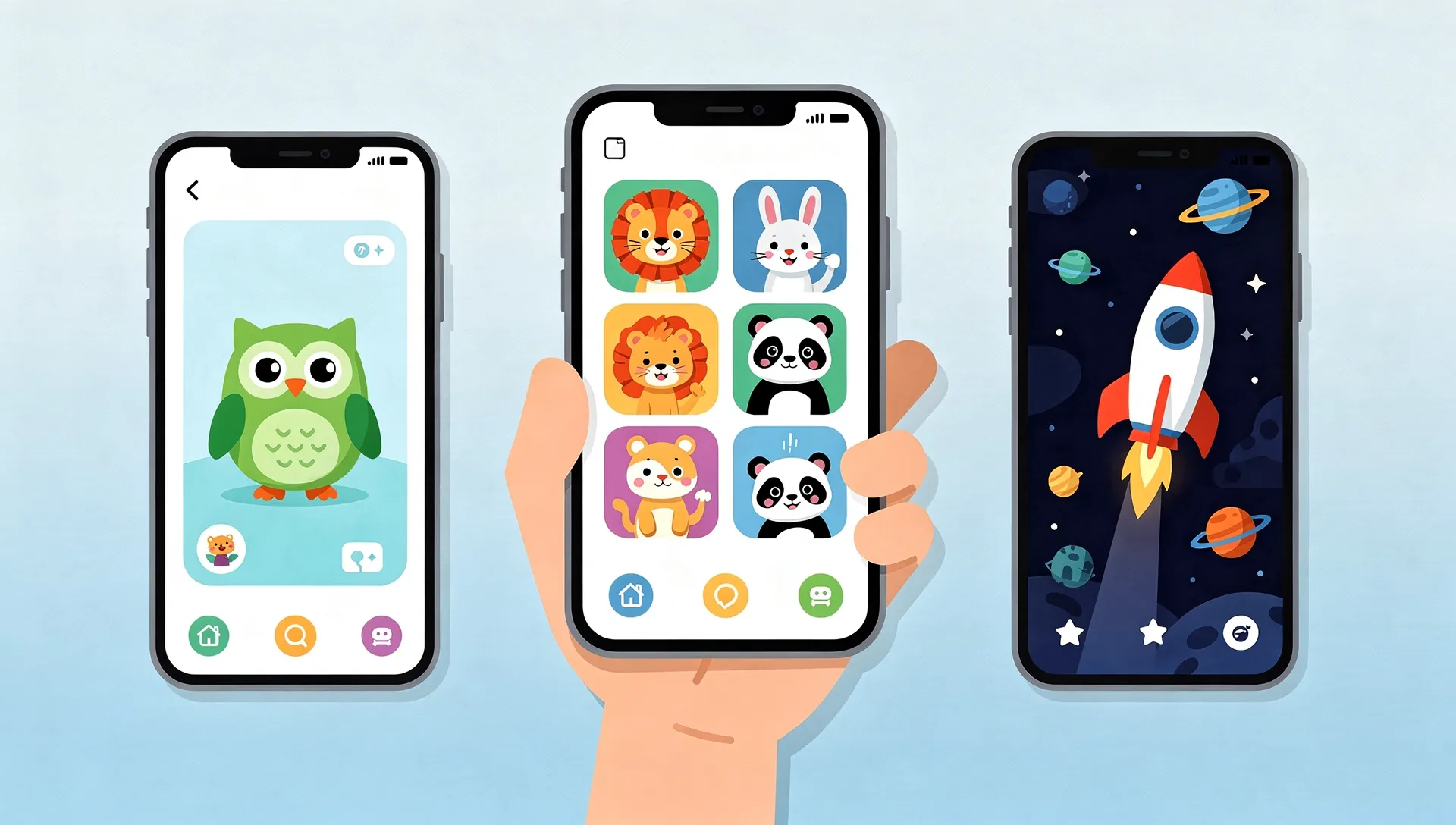
Duolingo vs Lingokids vs Small Universe: Which Kids English App Actually Keeps Kids Learning?
The cheapest app might be the most expensive decision you make this year.
Not because of the price tag. Because of the 47 hours your child spends on an app they quietly stop opening after two weeks. Because of the English words that never quite stick. Because by the time you notice, you have already lost a season of learning you cannot get back.
Here's a number that should bother every parent shopping for a language app: the average educational app has a 2% retention rate at Day 30. That means for every 100 kids who download a learning app, only two are still using it a month later. The other 98 moved on, learned little, and left their parents wondering what went wrong.
The answer is almost always the same. The app got boring.
We spent three months testing the three most talked-about kids English apps side by side: Duolingo (and its younger sibling Duolingo ABC), Lingokids, and Small Universe. We watched real kids use them. We tracked what held attention and what did not. This is what we found.
Quick comparison table
| Feature | Duolingo / Duolingo ABC | Lingokids | Small Universe |
|---|---|---|---|
| Age range | 3-8 (ABC) / 13+ (main) | 2-8 | 3-10 |
| Focus | Reading & phonics (ABC) / General language (main) | Holistic (English + math + STEM + arts) | English only (vocabulary + grammar + conversation) |
| Game types | 3-4 core mechanics | ~8 activity types | 17 game types |
| CEFR mapping | None stated | None stated | Pre-A1 to B1 (B2 planned) |
| Curriculum structure | Sequential lessons | Activity library | 102 lessons across 7 planets, structured progression |
| Adaptive difficulty | Basic (level placement) | Limited | Session-level + inline rolling window |
| Offline access | Yes (ABC) | Limited | Yes (PWA) |
| Ads | Free with ads (main) / No ads (ABC) | Ad-free | Ad-free |
| Pricing | Free (main) / Free (ABC) | Free (3 activities/day) or ~$14.99/mo | Free to try, no account needed |
| Multi-profile | No | Yes | Yes (up to 4 family members) |
| Safety certified | COPPA compliant | kidSAFE certified | No account needed, no data collection to start |
| Spaced repetition | Yes | No | Yes (adaptive word recycling) |
| Parent dashboard | Limited | Yes | Yes (Parent Zone) |
One thing jumps off that table immediately. Look at the game types row. That gap matters more than you might think, and we will explain exactly why.
Age range and who each app is actually for
Duolingo ABC (ages 3-8)
Duolingo ABC is a solid phonics and early reading app for native English speakers. It teaches the alphabet, letter sounds, sight words, and beginning reading skills across 700+ lessons. It's well-made and completely free.
But here's the detail many parents miss: Duolingo ABC teaches kids to read English. It doesn't teach kids to speak English. If your child already speaks English at home and needs help with reading readiness, ABC is a fine choice. If your child is learning English as a second or additional language, ABC skips the vocabulary and comprehension foundation they need first.
The main Duolingo app officially targets ages 13 and up. Some parents let younger kids use it, but the interface, pacing, and content are designed for teenagers and adults.
Lingokids (ages 2-8)
Lingokids covers the widest age range at the bottom, starting at age 2. It takes a holistic approach, mixing English with math, science, arts, and social-emotional learning. The Oxford University Press partnership lends academic credibility.
That breadth is both its strength and its limitation. Lingokids is good at exposing young children to English through songs, games, and stories. But because it spreads across so many subjects, the English progression is less structured than a dedicated language app. There's no clear pathway from beginner to intermediate.
Best fit: Toddlers and preschoolers (2-5) who need general early learning exposure with some English mixed in.
Small Universe (ages 3-10)
Small Universe covers the widest range at the top, extending to age 10. This matters because most kids' language apps abandon children right when language learning gets interesting. A 9-year-old is ready for sentence construction, conversation practice, and real grammar patterns. Most "kids apps" have nothing left to offer them.
The app maps to the CEFR framework (the European standard for language proficiency), covering Pre-A1 through B1 across seven planets, with B2 planned. Each planet represents a proficiency stage, so you can actually answer the question: "Where is my child, and where are they going?"
Best fit: Children 3-10 who are actively learning English as a second language and need structured, progressive skill building.
Game variety and engagement: why 17 beats 3
This is where the comparison stops being polite.
The boredom problem
Maria downloaded Duolingo for her 6-year-old daughter Sofia last September. Sofia loved it at first. The owl was cute. The sounds were fun. She did her lessons every day for eleven days straight.
On day twelve, Sofia said: "Mama, it is the same game again."
She was right. The core Duolingo experience rotates through a small set of mechanics: tap the correct translation, arrange words in order, type what you hear. The content changes, but the interaction stays remarkably similar. For adults with intrinsic motivation, that's fine. For a 6-year-old, sameness is the enemy.
How Lingokids handles variety
Lingokids does better here. It offers songs, interactive stories, coloring games, cooking games, and puzzle activities. The variety keeps younger children engaged, and the production quality is high. A child can bounce between a music video and a matching game and a drawing activity without feeling like they are repeating the same thing.
The trade-off is that many of these activities are entertainment-first. A cooking game teaches some vocabulary, but it isn't drilling the words your child struggled with yesterday. The engagement is broad but shallow.
How Small Universe solves retention
Small Universe takes a different approach. Seventeen distinct game types means a child can practice the same vocabulary words through matching, bubble popping, memory flips, word building, sentence scrambling, rhyming, conversation simulations, and more. They never feel like they're "doing the same thing."
Here's the full list:
| Game | What happens | Min. age |
|---|---|---|
| Matching | Tap the right picture from 4 choices | 3+ |
| Bubble Pop | Tap word bubbles before they float away | 3+ |
| Memory Flip | Flip cards to match words with pictures | 3+ |
| Listening Lab | Hear a word, pick the matching picture | 3+ |
| Odd One Out | Find the item that does not belong | 3+ |
| Rhythm and Rhyme | Match rhyming pairs | 3+ |
| Drag and Sort | Sort items into the right categories | 4+ |
| Word Builder | Tap letters in order to spell the word | 4+ |
| Story | Read-along stories with comprehension questions | 4+ |
| Alien Translator | Hear an alien sound, pick the English word | 4+ |
| Quick Draw | Draw the word in 15 seconds | 4+ |
| Boss Battle | A 10-second countdown quiz with a boss character | 5+ |
| Word Hunt | Find hidden words in a letter grid | 5+ |
| Picture Dictation | Follow spoken instructions step-by-step | 5+ |
| Sentence Scramble | Rearrange word tiles to form a sentence | 6+ |
| Chain Reaction | Chain words by their last letter | 6+ |
| Conversation Sim | Practice dialogue with characters | 7+ |
The GameWheel is the key design choice. Before each lesson, a spinning wheel randomly selects which game type your child will play. The wheel only shows games appropriate for your child's age, so a 3-year-old sees 6 game types while a 7-year-old sees all 17. This means every lesson feels like a surprise, even when the vocabulary stays the same.
That's not a gimmick. It's a direct response to the 2% retention problem. When the format is unpredictable, the brain stays engaged. When the brain stays engaged, words stick. We wrote a deep dive on why most English apps bore kids after a week if you want the full neuroscience behind this.
The research behind variety
This isn't just our theory. Cognitive science calls it "interleaving": the practice of mixing different activity types during learning rather than doing one type at a time. A 2014 study in the Journal of Educational Psychology found that interleaved practice improved long-term retention by 43% compared to blocked practice, even though it felt harder in the moment.
Seventeen game types isn't a marketing number. It's an interleaving engine.
Curriculum and CEFR coverage
What is CEFR and why should parents care?
The Common European Framework of Reference for Languages (CEFR) is the international standard for measuring language ability. It runs from A1 (absolute beginner) to C2 (native-like mastery). Schools, universities, and employers worldwide use it to assess language skills.
For parents, CEFR answers a simple question: "Is my child actually progressing, or are they just playing?"
Duolingo's curriculum
The main Duolingo app loosely aligns with CEFR and claims to cover A1-B2 depending on the language. However, their curriculum is designed for adult learners and there is no kid-specific CEFR pathway. Duolingo ABC has no CEFR mapping at all because it teaches reading, not language proficiency.
Lingokids' curriculum
Lingokids references 650+ "learning goals" across all subjects but doesn't map to CEFR. Their English content draws from Oxford University Press materials, which is a credible source. But because English is only one of several subjects in the app, the dedicated language learning time per session gets diluted. A child might spend 15 minutes in Lingokids and only encounter English vocabulary for 5 of those minutes.
Small Universe's curriculum
Small Universe maps its entire structure to CEFR:
| Planet | CEFR level | Vocab target | What your child can do after |
|---|---|---|---|
| Earth | Pre-A1 | 0–300 words | Recognize and say common nouns, follow simple instructions |
| Mars | A1 | 300–500 words | Ask and answer basic questions, use present simple |
| Neptune | A1–A2 bridge | 500–700 words | Express preferences and opinions, use past tense reliably |
| Jupiter | A2 core | 700–900 words | Describe daily routines, talk about the past, use "can/have" |
| Uranus | A2 advanced | 900–1,100 words | Narrate sequences, use present perfect, follow longer stories |
| Pluto | A2 consolidation | 1,100–1,300 words | Use common idioms, hold short conversations without hesitation |
| Saturn | B1 | 1,300–2,000 words | Handle everyday situations, use conditionals and comparisons |
Each lesson introduces 8-12 new words, following a researched word-load pattern: 60% new words, 30% recently learned words, and 10% older review words. This ratio comes from Paul Nation's vocabulary acquisition research, which identified the sweet spot where learners encounter enough new material to progress without being overwhelmed.
The app currently has 102 lessons across seven planets, with expansion to 440+ lessons and B2 proficiency planned.
If you want to see exactly where your child stands on a globally recognized language scale, Small Universe is the only one of these three apps that gives you that answer.
Try it now: Small Universe lets you start a lesson without creating an account. See the CEFR progression firsthand at smalluni.com.
Pricing breakdown
Money matters. Here's what each app actually costs.
| Duolingo (main) | Duolingo ABC | Lingokids | Small Universe | |
|---|---|---|---|---|
| Free tier | Yes (with ads + hearts) | Yes (fully free) | 3 activities/day | Yes (no account needed) |
| Monthly | $12.99 (Super) | Free | ~$14.99 | Coming soon |
| Annual | ~$83.99 ($6.99/mo) | Free | ~$71.99 ($5.99/mo) | Coming soon |
| Family plan | $119.99/yr (6 users) | Free | Single child only | Up to 4 profiles included |
| Ads | Yes (free tier) | No | No | No |
| In-app purchases | Yes | No | No | No |
Duolingo ABC is the clear pricing winner: it's completely free with no ads. If it fits your child's needs (native English speaker learning to read), it's hard to argue with free.
Lingokids charges a premium but delivers a polished experience with no ads. The free tier (3 activities per day) is enough to evaluate whether it works for your child.
Small Universe lets families start playing immediately with no account, no credit card, and no ads. Subscription pricing is forthcoming as the platform expands.
Safety, ads, and privacy
When your 4-year-old is using an app independently, safety isn't a feature. It's the foundation. If you're weighing screen time concerns, our article on screen time and language learning research covers what the studies actually say.
Duolingo (main app)
The free tier shows ads between lessons. These are not targeted ads, but they are still ads appearing in an app a child is using. The Super subscription removes them. The social features (leaderboards, friend lists) are designed for an older audience and can expose younger users to strangers.
Duolingo ABC
No ads, no in-app purchases, no social features. Duolingo clearly learned from the main app's limitations and built ABC as a safe, contained experience.
Lingokids
kidSAFE certified, completely ad-free, no in-app purchases beyond the subscription itself. The parental dashboard gives good visibility into what your child is doing.
Small Universe
No account is required to start playing, which means no personal data gets collected upfront. No ads, no social features, no way for a child to interact with strangers. The Parent Zone provides usage insights behind a simple gate that keeps little fingers out.
All three apps (excluding the main Duolingo app) score well on safety. The kids' app space has gotten much better at this.
Verdict by age group
Not every app is right for every child. Here's our honest recommendation by age.
Ages 3-4: first steps
Best choice: Lingokids or Small Universe
At this age, engagement trumps everything. Your child needs bright colors, simple interactions, and immediate feedback. Lingokids excels here with songs and sensory-rich activities. Small Universe's youngest-friendly games (Matching, Bubble Pop, Memory Flip, Listening Lab, Odd One Out, Rhythm and Rhyme) are specifically designed for this age group.
Duolingo ABC works if your child is a native English speaker ready for letter recognition. If English is a new language for your child, skip it for now.
Our pick for ESL learners: Small Universe. The adaptive difficulty means a 3-year-old who is struggling gets easier rounds automatically, without the parent needing to intervene. For a fuller breakdown, see our list of the best English apps for 3-4 year olds.
Ages 5-7: the window that matters
Best choice: Small Universe
This is the age where structured progression matters most. Your child is cognitively ready for real language learning, not just exposure. They can handle more complex game types, follow storylines, and begin building sentences.
David tried all three apps with his 6-year-old twin boys. "Lingokids felt too young for them by the time they turned 6. They'd outgrown the songs. Duolingo was too text-heavy and adult-feeling. Small Universe hit the sweet spot because the Boss Battles and Word Hunt games made them feel like they were doing something cool, not something educational."
At this age, Small Universe unlocks its full advantage: 13 of the 17 game types are available, the space narrative provides genuine motivation to progress, and the CEFR mapping means you can track real language advancement. We also have a dedicated guide to the best English apps for 5-7 year olds.
See it in action: The GameWheel spins and picks a random game for each lesson. Your child never knows what is coming next. Try Small Universe free.
Ages 8-10: the gap nobody else fills
Best choice: Small Universe (it's the only option)
Here's where the comparison falls apart. Lingokids stops at age 8. Duolingo ABC stops at age 8. The main Duolingo app is designed for 13+.
For children aged 8-10 who are learning English, there's a real gap. They're too old for toddler apps and too young for adult apps. Small Universe bridges it with Sentence Scramble, Chain Reaction, and Conversation Sim games that challenge older children at an appropriate level.
A 9-year-old on Jupiter is working with 500-1,000 words, constructing sentences, and practicing real conversation patterns. That's actual language learning, not busy work.
Yuki's mother downloaded Small Universe for her 9-year-old who was preparing for an A2-level school assessment. "Every other app we tried was either too babyish or too adult. The space theme kept her interested without being embarrassing to play at school. She passed her assessment two months later."
The bottom line
There's no single "best" app. There's the best app for your child, right now, at their age, with their specific needs.
Choose Duolingo ABC if your child speaks English at home and needs help learning to read. It's free, well-made, and focused.
Choose Lingokids if your child is under 5 and you want broad early learning exposure across multiple subjects, with English as one component.
Choose Small Universe if your child (ages 3-10) is learning English as a second language and you want structured, progressive, CEFR-mapped curriculum delivered through enough game variety to actually keep them coming back past Day 30.
Building a consistent daily routine matters more than which app you pick. The 2% retention stat isn't a fun fact. It's a warning. The app your child abandons after two weeks taught them nothing, no matter how good its curriculum looked on paper. Game variety isn't a luxury feature. It's the difference between an app that sits in a folder and an app that builds a language. For more options, see our roundup of the best English games for kids.
Start free, no account needed. Small Universe runs in your browser. No download, no signup, no risk. Just a kid, a friendly alien, and 17 ways to learn English. Try it at smalluni.com.
Last updated: March 2026. We revisit this comparison quarterly. App features and pricing may change. We're the team behind Small Universe, so yes, we're biased, but we've done our best to be fair. Try all three and let your child decide.
Try Small Universe free
17 game types. 7 planets. Zero ads. Your child learns English through space exploration.
Play free — no account needed