Why Most English Apps Bore Kids After a Week (And What to Do About It)
The problem isn't your child's attention span. It's the app's.
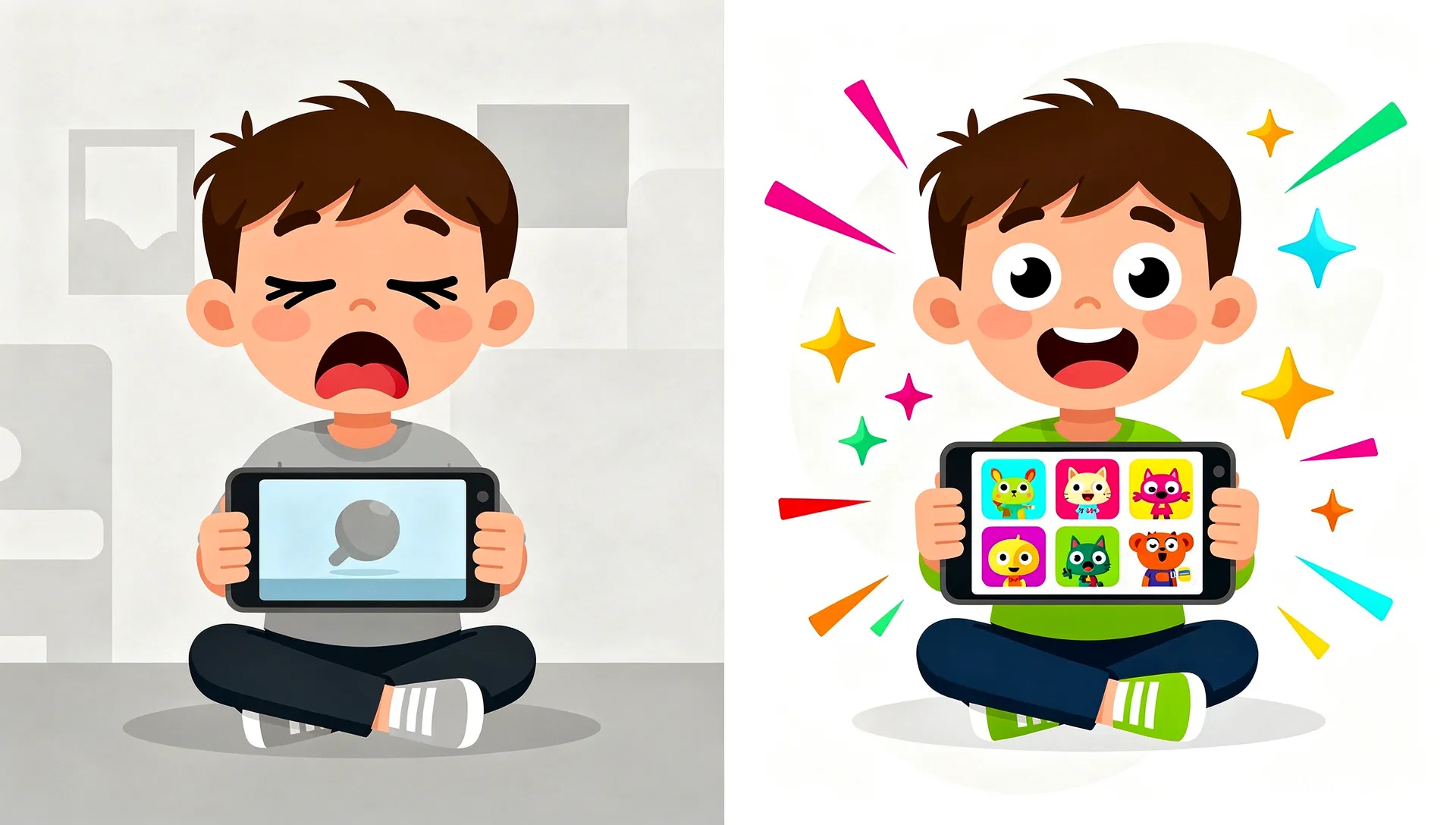
You download an English learning app for your kid on a Saturday morning. They love it. They beg to play it before dinner. They talk about the cartoon fox who teaches them colors. By Wednesday, the app is buried on the third page of your home screen. By the following weekend, it might as well not exist.
Sound familiar?
You probably blamed screen fatigue, or your child's short attention span – but the language learning window is too valuable to waste on the wrong tool – or the idea that "kids just don't stick with things." But there's a simpler, more uncomfortable explanation. The app ran out of ways to be interesting.
The retention crisis nobody talks about
The education app industry has a problem it doesn't like to discuss in public. The numbers are brutal.
According to Business of Apps' 2026 benchmarks, education apps have a Day 1 retention rate of just 14-15%. That means 85 out of 100 kids who download a learning app never come back after their first session.
By Day 30, retention drops to 2-3%. Out of every hundred children who started, two or three are still using the app a month later. Ninety-seven gave up.
These are not numbers from bad apps. These are industry averages. The well-funded apps with cute characters and polished onboarding flows are losing almost every user they acquire. And the conversation in the industry stays focused on acquisition costs and ad spend rather than asking the harder question: why do kids leave?
The novelty cliff, explained
Neuroscience has a straightforward answer. It's called habituation.
Habituation is the brain's tendency to pay less and less attention to repeated stimuli. It's one of the most basic learning mechanisms we have. (For more on how children's brains learn language, we have a separate deep dive.) When you walk into a room with a ticking clock, you hear it immediately. Ten minutes later, you have forgotten it exists. Your brain decided the stimulus was predictable and stopped allocating attention to it.
Children's brains do this faster and more dramatically than adults. This is actually a feature, not a bug – rapid habituation is how young learners efficiently filter the world and focus on what is new and informative. But it means that a learning app has a narrow window to keep introducing novelty before the brain files it under "predictable" and moves on.
We call this the novelty cliff, the moment when a child has seen every variation an app can offer and the brain's reward circuitry stops firing. It typically hits between days five and seven for most education apps.
The cliff isn't about content running out. Most apps have hundreds of vocabulary words. It's about mechanics running out. Once a child has tapped the same style of flashcard, dragged the same type of object to the same type of target, and heard the same celebration sound a hundred times, the activity is neurologically dead. The brain has habituated to the interaction pattern itself.
The 2-3 game type trap
This is where the industry's blind spot becomes obvious.
Open any of the top-grossing kids' English apps on the App Store. Count the distinct game mechanics. Not the number of levels or lessons – the number of fundamentally different ways a child interacts with the content.
Most apps have two or three. A matching exercise. A multiple-choice quiz. Maybe a drag-and-drop activity. That's it. Every single lesson, across hundreds of vocabulary words, uses the same two or three interaction patterns dressed up with different graphics.
This is the equivalent of teaching a child to read by only ever using flashcards. The content changes. The experience doesn't.
When a child has two or three mechanics to habituate to, the novelty cliff arrives fast. Research backs this up: a meta-analytic study on technology acceptance found that perceived enjoyment is the single strongest predictor of whether students continue using educational technology. Not usefulness, not ease of use. Enjoyment. And enjoyment requires novelty.
Think of it this way. Imagine a parent named Kenji. His daughter Yuki loved an English app that teaches animal vocabulary. She played the matching game every day for a week. Then she started asking for YouTube instead. Kenji assumed Yuki lost interest in English. But Yuki didn't lose interest in English. She lost interest in matching. The app had nothing else to offer her.
What "good" engagement actually looks like
Before we talk solutions, it's worth defining what healthy engagement looks like in a kids' learning app. "More screen time" is not the goal.
Good engagement has three properties.
First, it's variable. The child can't fully predict what the next session will look like. This keeps the brain's reward circuitry active without relying on addictive dark patterns. There's a real difference between surprise and manipulation. Surprise says "I wonder what game I'll play today." Manipulation says "You'll lose your streak if you don't play today."
Second, it's skill-appropriate. The challenge level adjusts to what the child actually knows. Too easy and the brain habituates even faster. Too hard and the child disengages from frustration. The sweet spot (what psychologist Mihaly Csikszentmihalyi called "flow") requires an adaptive system, not a static difficulty curve.
Third, it produces real learning. Engagement that doesn't lead to measurable vocabulary or grammar acquisition is entertainment, not education. The app should be able to show a parent what their child actually learned, not just how many minutes they spent tapping a screen.
Research from Userpilot shows that gamification elements can boost user retention by up to 50% – but only when they actually improve the core experience rather than paper over a thin one. Adding badges to a boring mechanic doesn't fix the mechanic. The latest research on screen time and language learning reinforces this: quality of interaction matters far more than minutes on screen.
How we designed against boredom
When we started building Small Universe, the novelty cliff was the first problem we wanted to solve. Not the curriculum. Not the art style. The cliff.
Our reasoning was simple. It doesn't matter how good your phonics curriculum is if 85% of kids never open the app a second time. Retention isn't a marketing problem. It's a design problem.
So we built 17 distinct game types.
Not 17 skins on the same mechanic. Seventeen fundamentally different ways to interact with English vocabulary and grammar. Matching. Bubble pop. Memory flip. Drag sort. Word builder. Sentence scramble. Word hunt. Alien translator. Listening lab. Odd one out. Rhythm and rhyme. Chain reaction. Picture dictation. Conversation simulation. Quick draw. Story mode. Boss battles.
Some are fast and physical, like popping bubbles before they float away. Some are slow and strategic, like unscrambling sentences or building words letter by letter. Others are creative: drawing responses or translating alien languages. Each one exercises a different cognitive skill and a different type of memory encoding.
And we randomize which game a child plays.
This is the part that matters most. Small Universe uses a GameWheel – a visible, spinning wheel that selects a random compatible game for each lesson. The child never knows exactly which of the 17 game types they will get. The same vocabulary set might be a memory flip game on Monday and a sentence scramble on Thursday.
This isn't randomness for its own sake. It's a deliberate design choice rooted in how habituation works. When the brain can't predict the interaction pattern, it stays engaged. The novelty cliff gets pushed further and further out because there are always mechanics the child hasn't seen recently.
The GameWheel also has age-gating built in. A three-year-old sees simpler game types – see our guide to the best English apps for 3-4 year olds for what works at that age. A nine-year-old gets the full range including dictation and conversation simulation. For the middle years, check our best English apps for 5-7 year olds. The variety scales with the child.
Here's another example. A parent named Sara has two kids, one is four, the other is eight. Both use Small Universe. The four-year-old gets bubble pop and matching games with basic vocabulary. The eight-year-old gets sentence scrambles, dictation, and boss battles with more complex grammar. Same app. Same planet theme. Completely different experiences, calibrated to each child's age and CEFR level. Neither one has hit the novelty cliff yet.
The deeper principle
The 17 game types aren't the point. The point is the principle behind them.
Variety isn't a feature. It's a retention strategy.
Most education apps treat game mechanics as a vessel – a container for content. The thinking goes: build one solid mechanic, pour thousands of words into it, done. But this ignores how children's brains actually process repetitive experiences. The vessel matters as much as what is inside it.
The education app industry's 2-3% Day 30 retention rate isn't inevitable. It's the predictable result of building apps with two or three game types and hoping content volume will compensate for mechanical monotony. It won't. The brain doesn't care how many words are in your database if the interaction pattern is dead.
When we see a child spin the GameWheel and lean forward to see what game they got, that is the novelty cliff being held at bay. Not through manipulation. Not through streak anxiety. Through genuine, unpredictable variety.
What parents can do right now
If you're evaluating English learning apps for your child, here are three things to look for:
Count the game types. Open the app and play five or six lessons. How many genuinely different interaction patterns did you experience? If the answer is two or three, your child will probably habituate within a week.
Watch for mechanical variety, not cosmetic variety. Different backgrounds and characters don't count. The question is whether your child's hands and brain are doing something fundamentally different from one lesson to the next.
Check for adaptivity. Does the app adjust to your child's level? Or does a three-year-old get the same experience as a nine-year-old? Age-appropriate challenge is the second key to sustained engagement after variety. Our Duolingo vs Lingokids vs Small Universe comparison scores popular apps on exactly these criteria.
The problem was never your kid's attention span. It was always the app's imagination. For help finding the right tool, browse our roundup of the best English games for kids.
Small Universe has 17 game types, 7 planets, and 102 lessons designed for kids ages 3-10 learning English. The GameWheel randomizes every session so no two days feel the same. Try it free at smalluni.com.
Sources
- Business of Apps. "Education App Benchmarks (2026)." Day 1 retention: 14-15%. Day 30 retention: 2-3%.
- Business of Apps. "App Retention Rates (2026)."
- Understanding students' technology acceptance behaviour: A meta-analytic study. "ScienceDirect, 2024." Enjoyment as strongest predictor of continued use.
- Userpilot. "Engagement Gamification: The Fun Way to Boosting User Engagement." Gamification elements can boost retention by up to 50%.
- Userpilot. "Mobile App Retention: 8 Strategies and Best Practices."
Try Small Universe free
17 game types. 7 planets. Zero ads. Your child learns English through space exploration.
Play free — no account needed